Hardware
FAQs
Choosing the Right Printer
What is the difference between a printer and a multifunction printer (MFP)?
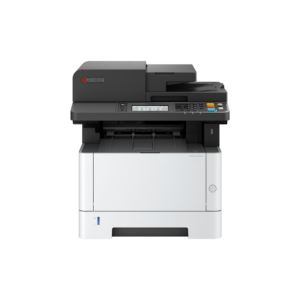
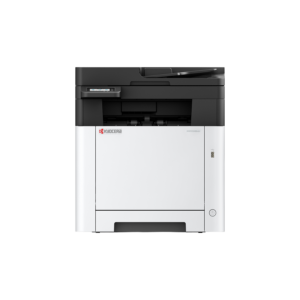
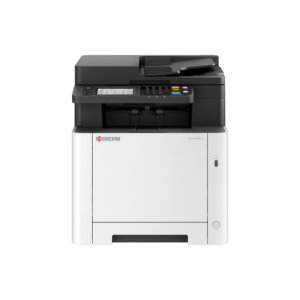
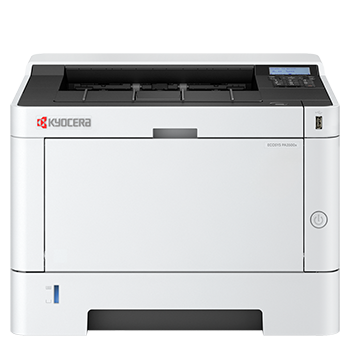
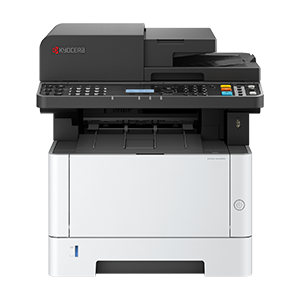
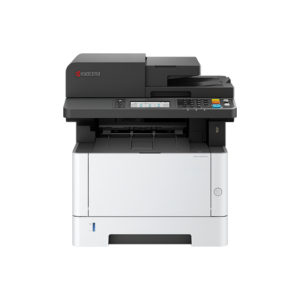
A printer is designed purely for printing documents. A multifunction printer (MFP) combines printing, scanning and copying in one device, making it a more efficient choice for most homes and businesses.
What type of printer is best for home or office use?
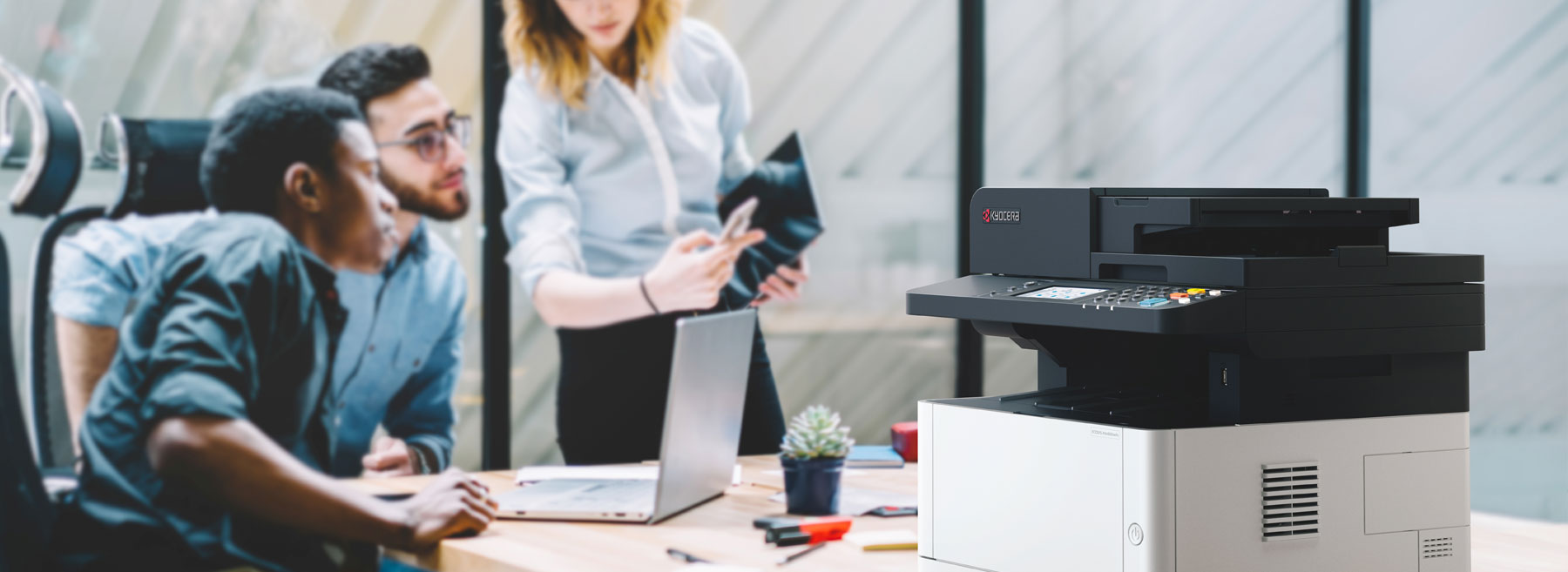
For home use, a compact wireless printer or MFP is usually sufficient. For office environments, a higher-capacity laser device with faster print speeds, duplex printing and scanning functionality is more appropriate.
Are Kyocera printers secure?
Yes. Kyocera printers are designed with strong security features, including user authentication, secure print release, encrypted data storage, automatic overwriting of stored job data, and network protections such as TLS, HTTPS/IPPS and IP filtering. However, the exact security features vary by model and setup, so proper configuration is essential to ensure the device is fully secure in your environment.
Can I control who uses the printer?
Yes. Many Kyocera ECOSYS devices let you control who can use the printer through user authentication, administrator and user accounts, password controls, and usage restrictions. This helps ensure only authorised users can access the device and its functions.
How many pages per month should my printer handle?
Choose a printer based on your expected monthly print volume. Occasional users may only need a few hundred pages per month, while businesses often require devices capable of several thousand pages per month.
What is duty cycle and why does it matter?
The duty cycle is the maximum number of pages a printer can produce in a month. However, the recommended monthly volume is a more reliable indicator of what the device is designed to handle day to day.
Do I need colour printing?
If you primarily print text documents, a mono printer will be more cost-effective. Colour printers are better suited to presentations, marketing materials and documents where visual impact matters.
What is duplex printing?
Duplex printing allows you to print on both sides of the paper automatically. It helps reduce paper usage and produces more professional-looking documents.
What is an Automatic Document Feeder (ADF)?
An ADF allows you to scan, copy or fax multiple pages in one go without manually feeding each sheet. It is particularly useful for offices handling multi-page documents.