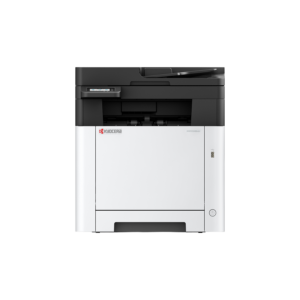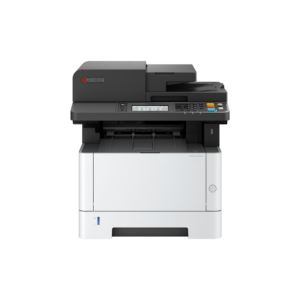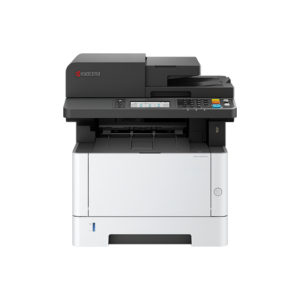
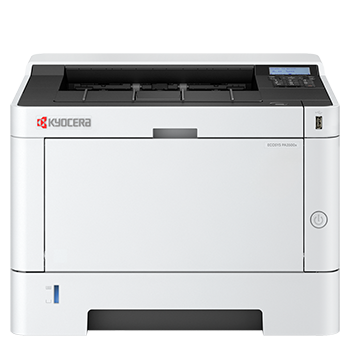
Multi Function Printers
FAQs
Connectivity and Compatibility
Will the printer work with my computer?
Most printers are compatible with Windows and macOS. Many also support mobile devices, including smartphones and tablets. Compatibility details are listed on each product page.
Can I print from my phone or tablet?
Yes. Many printers support mobile printing through Wi-Fi, apps, or services such as Apple AirPrint and Mopria.
What connection options are available?
Depending on the model, printers may support Wi-Fi, Ethernet for network use, and USB for direct connection.
Costs and Ownership
What is the total cost of ownership?
Also known as TCO, the total cost of ownership includes the initial purchase price as well as ongoing costs such as toner, maintenance and energy use. Lower-cost printers can sometimes lead to higher long-term running costs.
How is cost per page calculated?
Cost per page is calculated by dividing the price of the toner cartridge by its estimated page yield. This helps compare long-term running costs between devices.
Everyday Use
How do I print double-sided documents?
If your printer supports duplex printing, you can select this option in your print settings. Some models may require manual duplex printing.
How do I scan documents?
Multifunction printers allow you to scan directly to a computer, email or cloud storage, depending on the model and setup.
Why is my printer printing slowly?
This can be caused by high-quality print settings, large files, network issues or outdated drivers. Adjusting settings or improving connectivity can often resolve the issue.
Why are my prints faded or streaky?
This is often due to low toner levels, incorrect settings or maintenance issues. Replacing the toner cartridge or cleaning the device usually resolves it.