
Printers

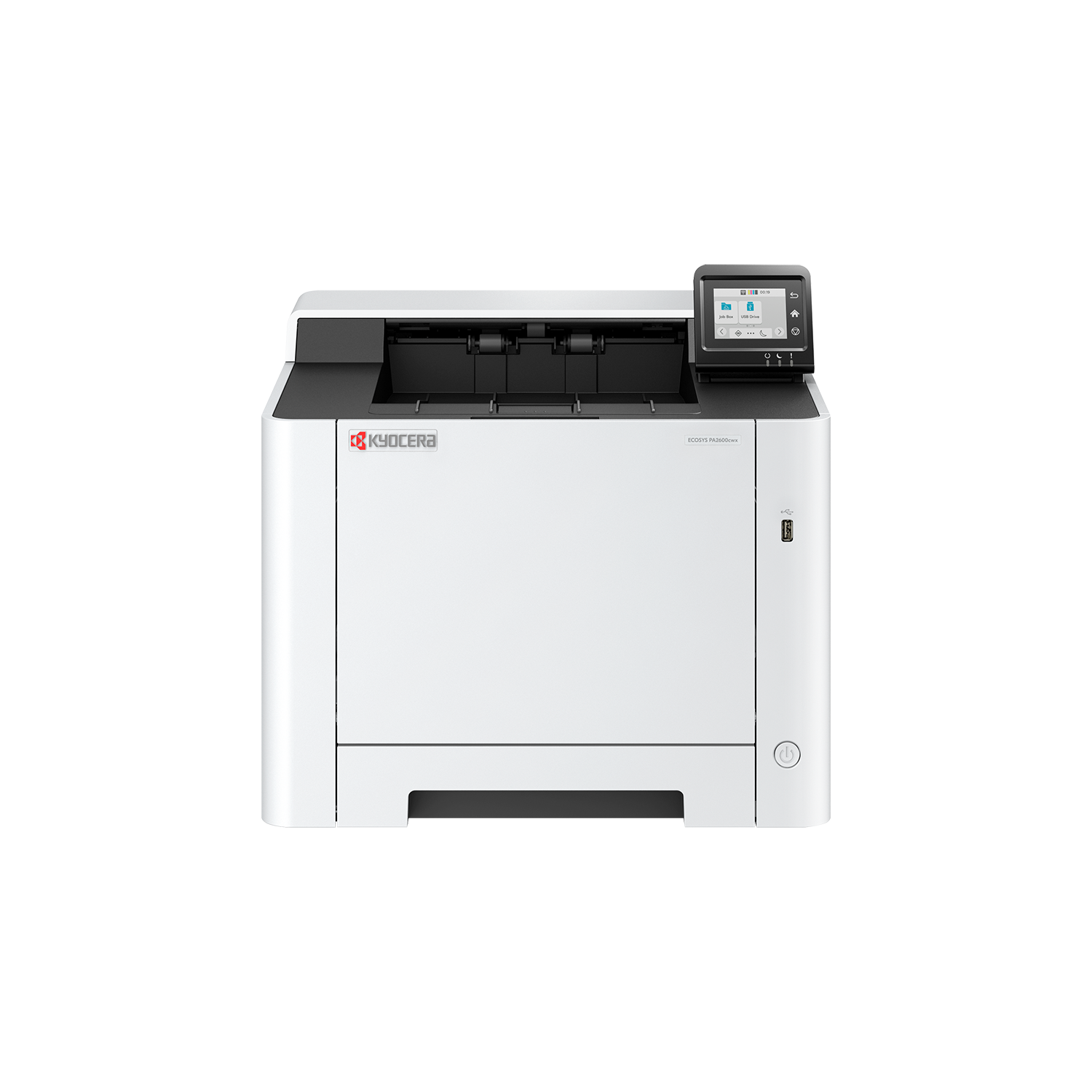
ECOSYS PA2600cwx | ShopKyocera
Compact and reliable, the ECOSYS PA2600cwx offers high-quality, economical colour prints for small and...
£562.95
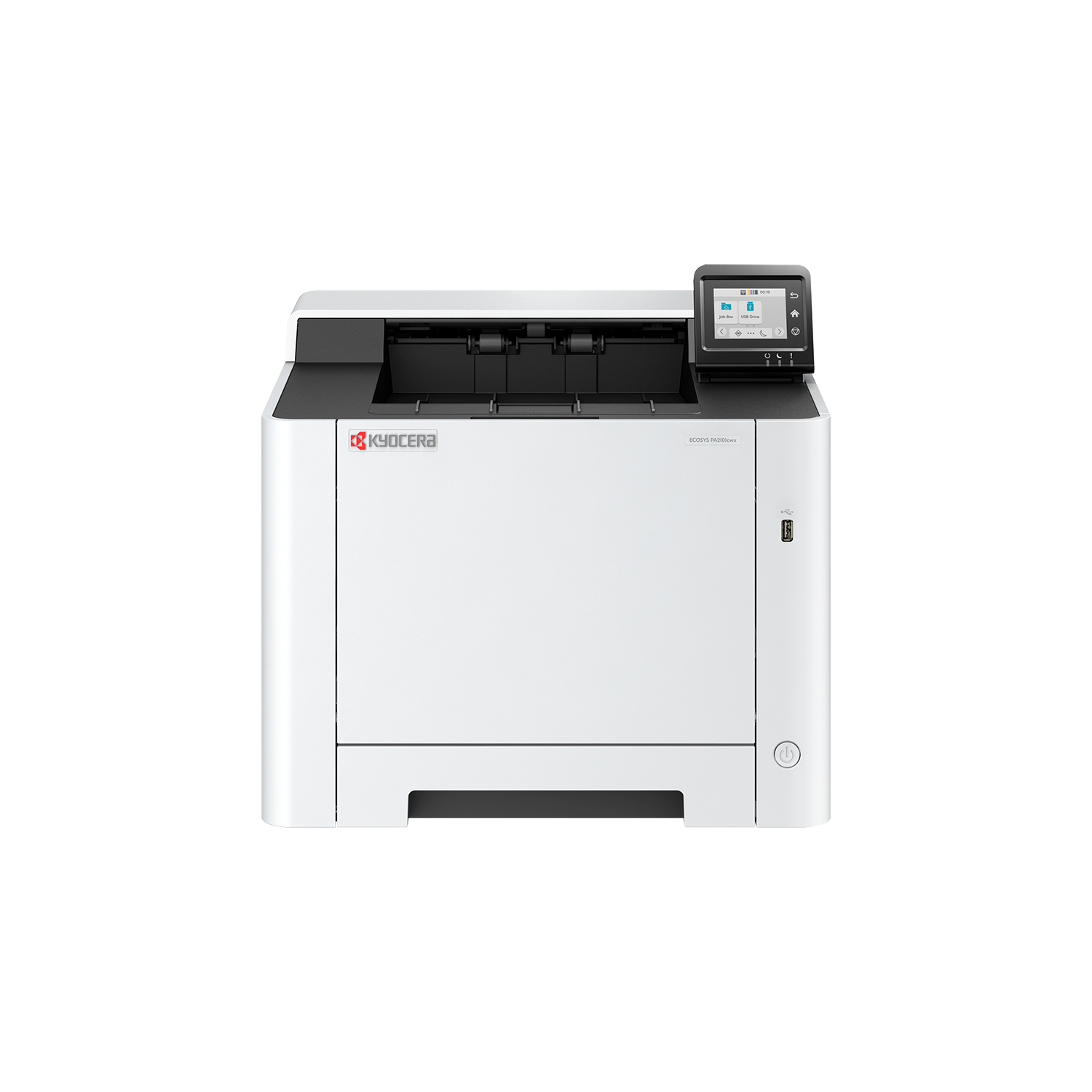
ECOSYS PA2101cwx | ShopKyocera
Out of Stock
Compact and reliable, the ECOSYS PA2101cwx is a high-quality, economical colour A4 printer designed to...
£362.00
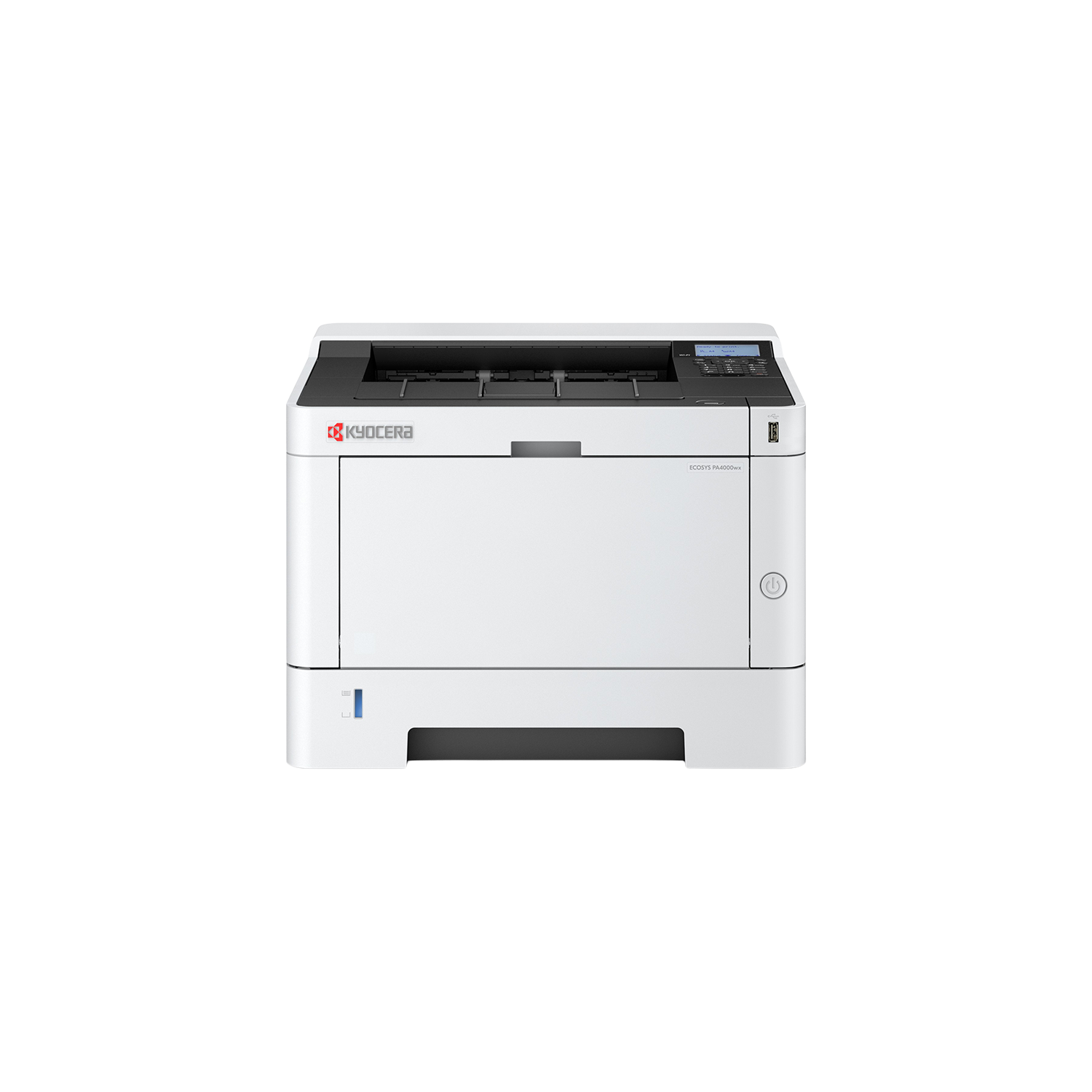
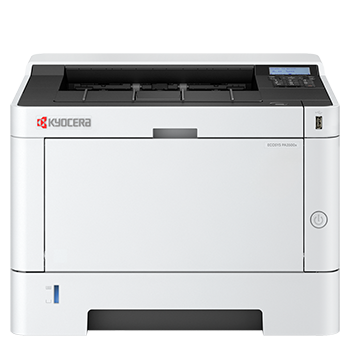
ECOSYS PA4000wx | ShopKyocera
Out of Stock
Providing everything from a high paper capacity and Wi-Fi connection to duplex printing and compact design,...
£362.45
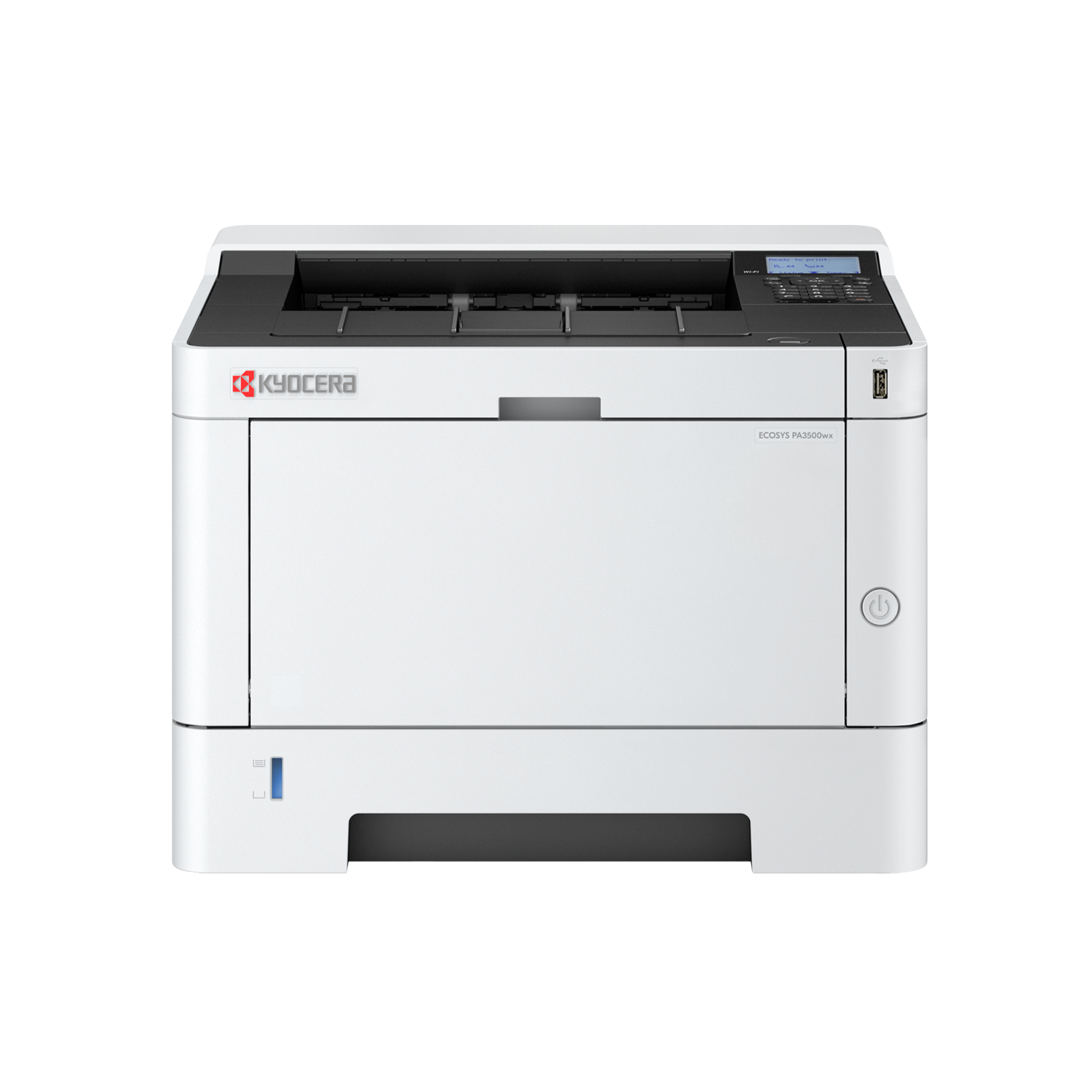
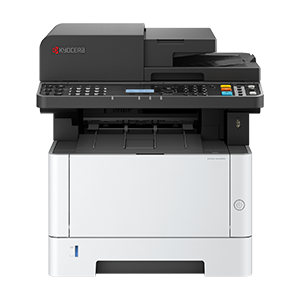
ECOSYS PA3500wx | ShopKyocera
Out of Stock
Secure, reliable, and cost-effective, the ECOSYS PA3500wx is built to keep you productive. Featuring...
£296.20

FAQs

Connectivity and Compatibility

Most printers are compatible with Windows and macOS. Many also support mobile devices, including smartphones and tablets. Compatibility details are listed on each product page.

Yes. Many printers support mobile printing through Wi-Fi, apps, or services such as Apple AirPrint and Mopria.

Depending on the model, printers may support Wi-Fi, Ethernet for network use, and USB for direct connection.

Costs and Ownership

Also known as TCO, the total cost of ownership includes the initial purchase price as well as ongoing costs such as toner, maintenance and energy use. Lower-cost printers can sometimes lead to higher long-term running costs.

Cost per page is calculated by dividing the price of the toner cartridge by its estimated page yield. This helps compare long-term running costs between devices.

Everyday Use

If your printer supports duplex printing, you can select this option in your print settings. Some models may require manual duplex printing.

This can be caused by high-quality print settings, large files, network issues or outdated drivers. Adjusting settings or improving connectivity can often resolve the issue.

This is often due to low toner levels, incorrect settings or maintenance issues. Replacing the toner cartridge or cleaning the device usually resolves it.